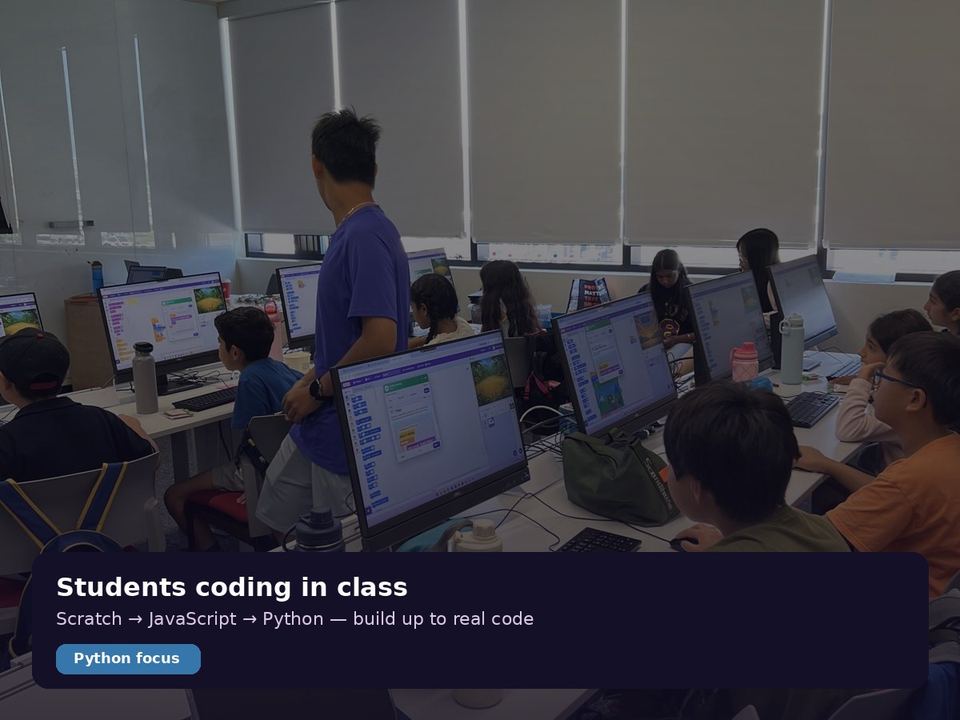








In our Markham classroom, when a micro:bit project stops working, the first question we ask is not "Is it broken?" but "Which part stopped doing its job?" Kids learn quickly that a good build is one you can open, check, and fix one piece at a time. This week, a new fitness tracker made that same idea feel very real.
Why this matters
Smart devices are full of AI features, but the engineers behind them still make plain, careful choices: which parts go inside, which part can be swapped, and what gets left out. That kind of thinking is something kids can practise today.
A real product case: the Google Fitbit Edge
Google has announced the Fitbit Edge, a slim fitness tracker with a screen. Here is what stands out to us as educators:
- A replaceable battery. Google calls it its first repairable Fitbit, built with a modular inside so the battery can be swapped instead of throwing the whole tracker away. Right now the battery is the only part designed to be replaced.
- Battery choices have trade-offs. It is rated for up to about a week per charge, but turning on the always-on display cuts that a lot. A five-minute top-up gives roughly a day of use.
- Lots of sensors, one small body. Heart rate, blood oxygen, skin temperature, an EKG sensor and motion sensors all share the same tiny space and power budget.
- What was left out. There is no microphone, speaker, or tap-to-pay chip. Every "no" is a design decision, too.
- Price and timing. US$179.99, in stores starting October 27.
Our take: repair is a thinking skill
We like this story because it is not really about a gadget. It is about designing so that one part can fail without the whole thing becoming garbage. Programmers do the same thing with code: we split a program into small functions so a bug in one place can be found and fixed without rewriting everything.
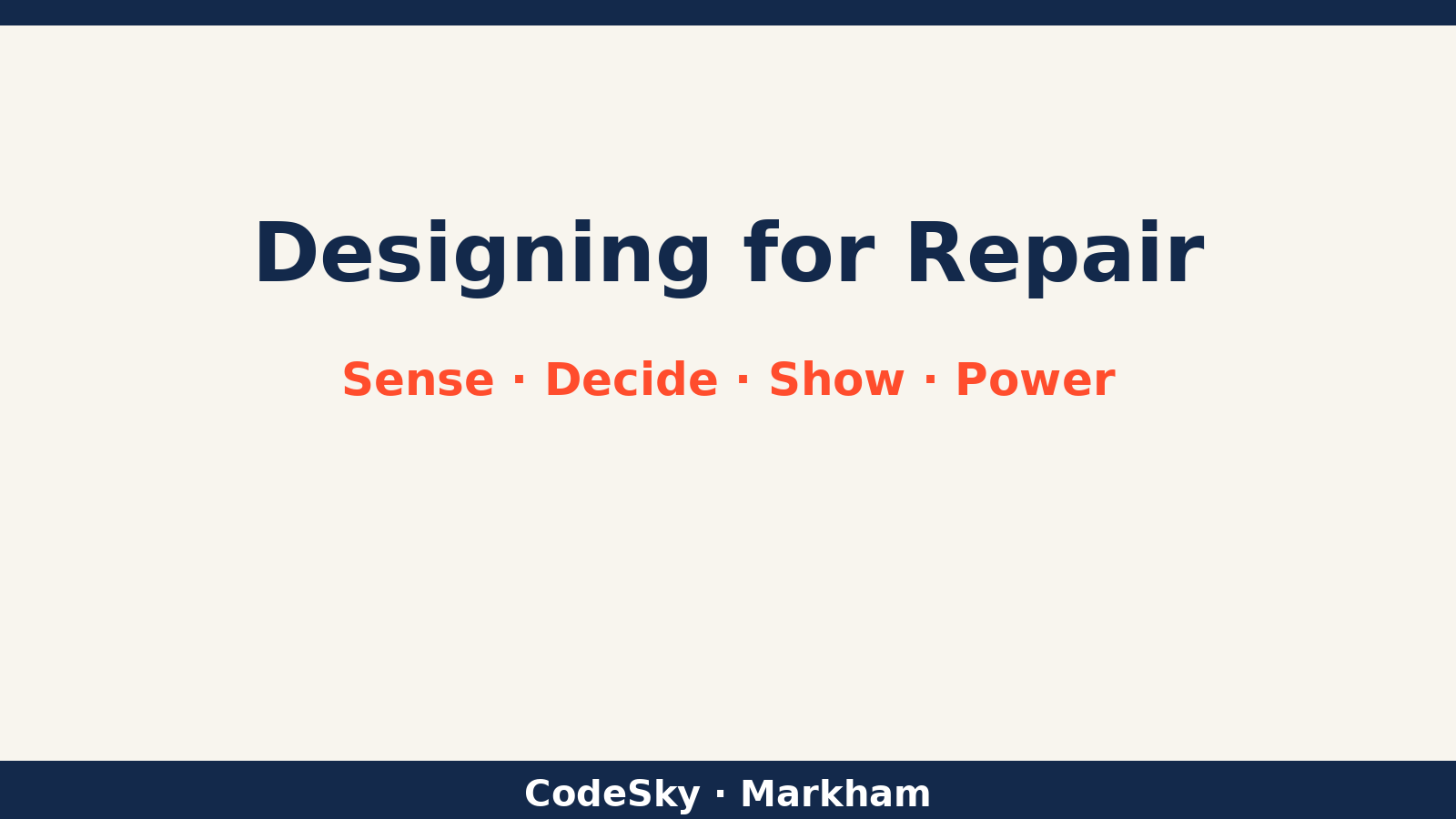
- Decomposition: break a device (or a program) into parts with clear jobs: sense, decide, show, power.
- Abstraction: treat the battery like a module with one job, so it can be swapped without touching the rest.
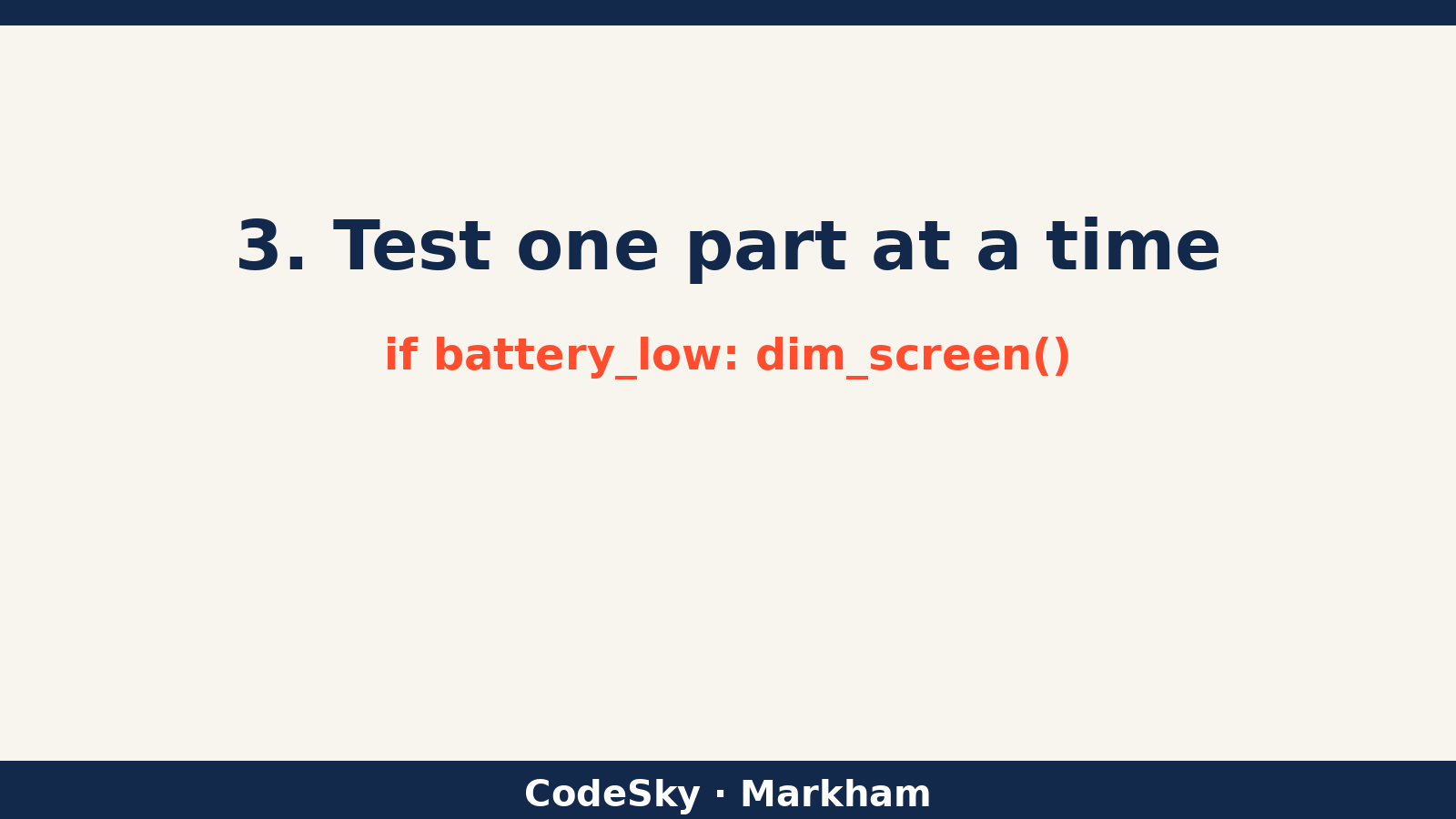
- Algorithms: write simple rules like "if battery is low, dim the screen," the same kind of choice behind always-on display trade-offs.
- Testing and debugging: when something stops working, check one part at a time.
In class, kids build a mini "step tracker" on a micro:bit: count shakes, show the number, and save power by turning the display off after a few seconds. Then they swap one part of their code for a better version and test again. That is the same modular mindset, at a size a 9-year-old can own.
Try it at home
Pick any device in your home and ask your child three questions: What does it sense? What does it decide? Which part would you want to be able to replace? There are no wrong answers, just good thinking.
If your child enjoys taking ideas apart and putting them back together, we would love to meet them. Come try a free trial class at CodeSky in Markham. We're at 9833 Markham Rd Unit 2, Markham, ON L6E 0E5, or email info@codesky.ca.