



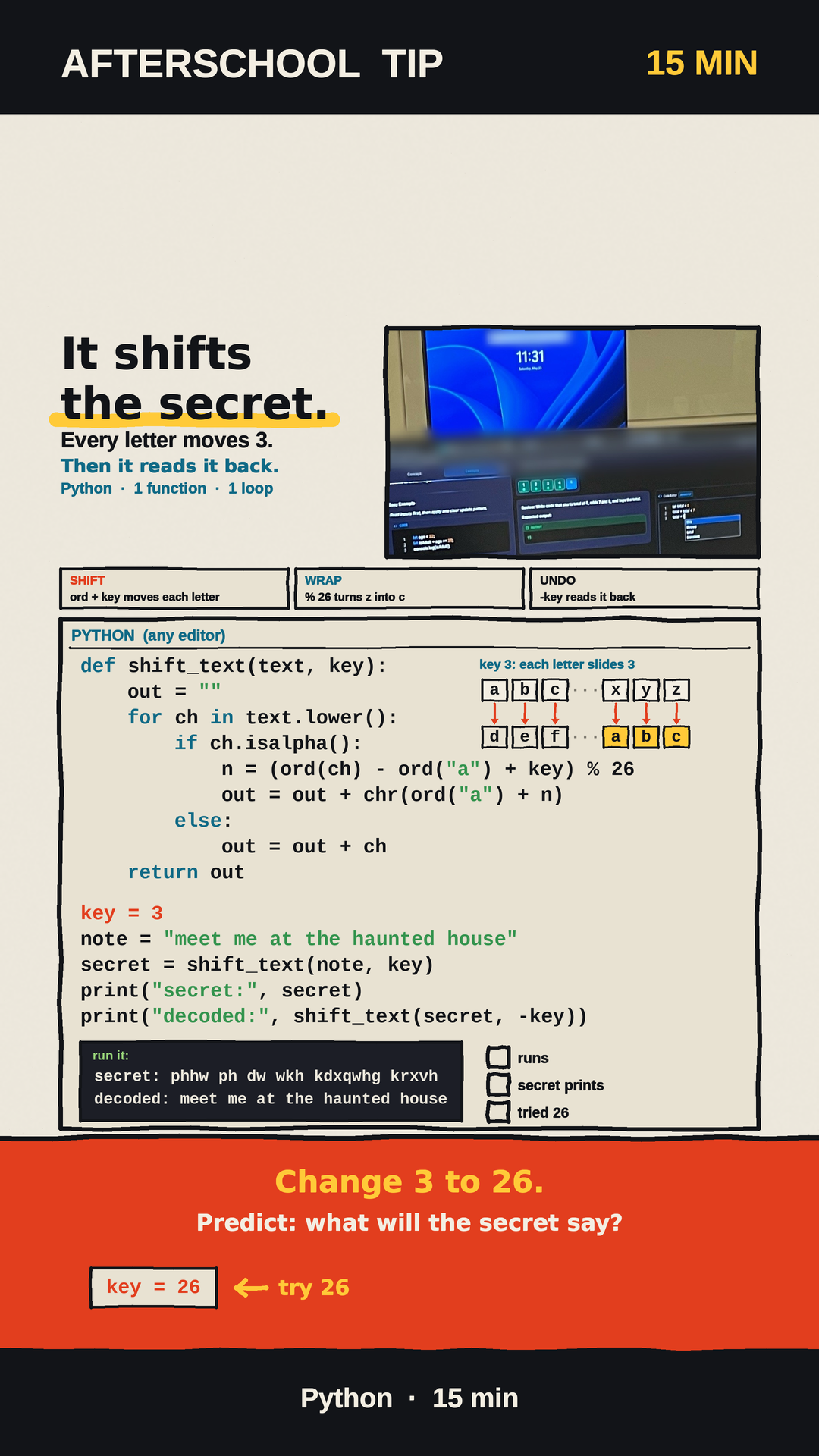
Halloween is less than two weeks away, and kids love passing secret notes. So here is a small Python project that turns a party invite into a code: every letter slides 3 places down the alphabet, and the same function slides it back. It takes about 15 minutes, it fits on one screen, and it hides a surprise that most kids get wrong.
Try this before you read on
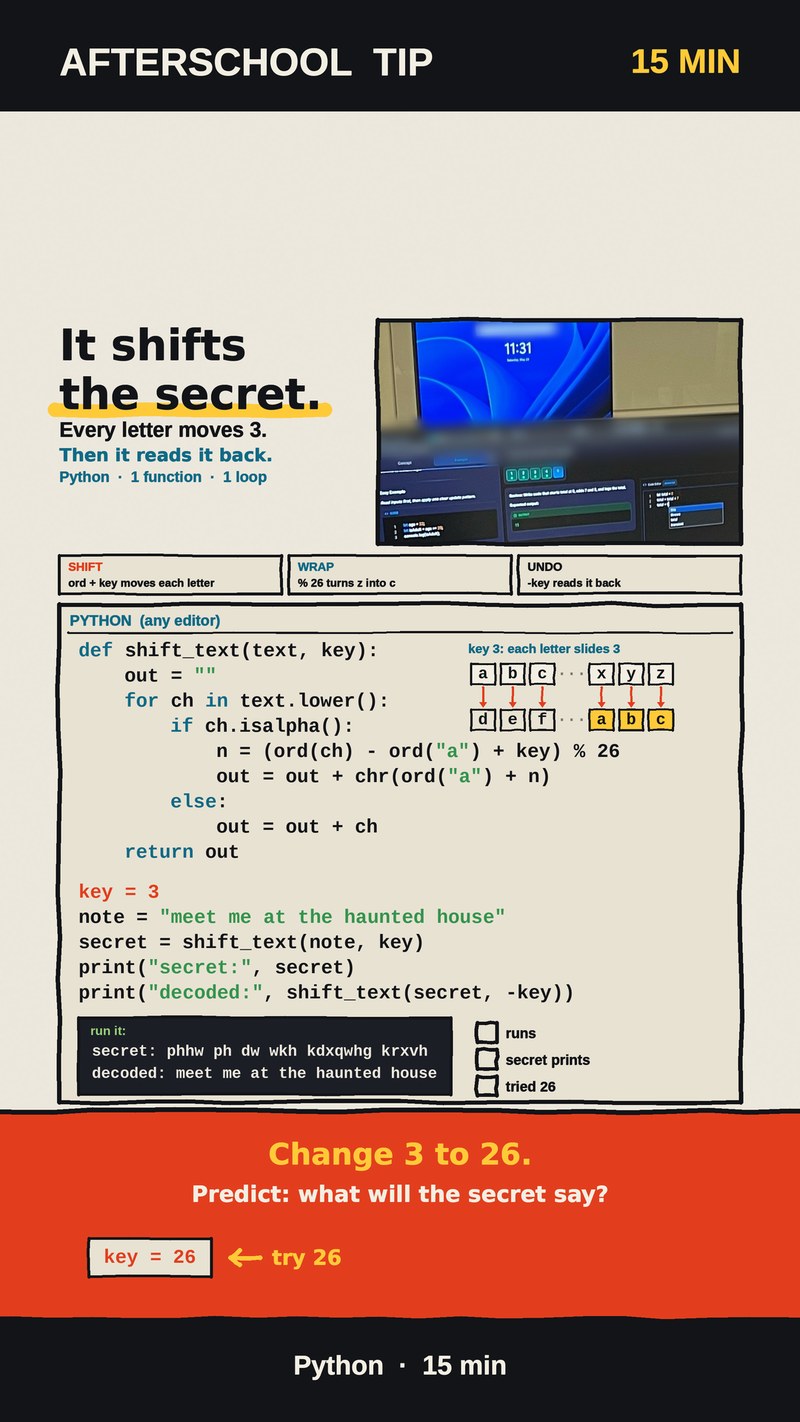
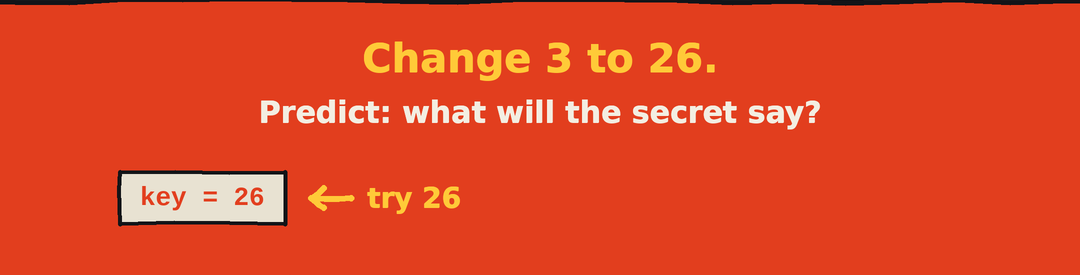
Once the program works, change one number: make the key 26 instead of 3. Then ask your child: what will the secret line say now? Write the guess down first. The answer is further down this page.
The project: a secret note maker in 15 lines
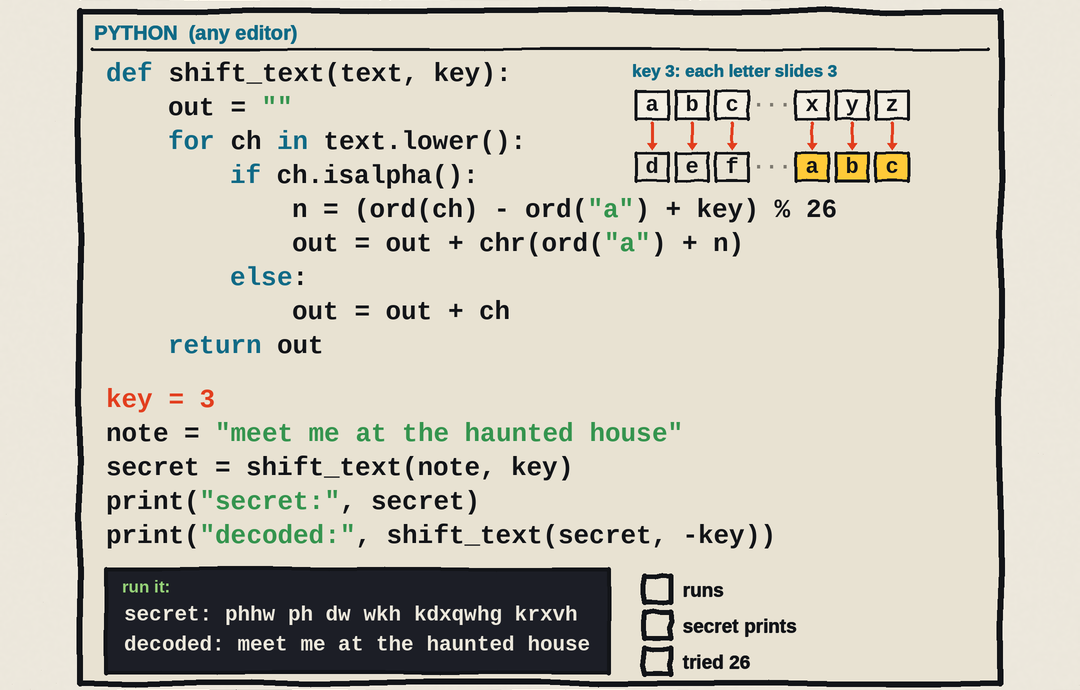
Open any Python editor, start a new file and type this in. Keep the indents exactly as shown, because Python uses them to know which lines belong together.
def shift_text(text, key):
    out = ""
    for ch in text.lower():
        if ch.isalpha():
            n = (ord(ch) - ord("a") + key) % 26
            out = out + chr(ord("a") + n)
        else:
            out = out + ch
    return out

key = 3
note = "meet me at the haunted house"
secret = shift_text(note, key)
print("secret:", secret)
print("decoded:", shift_text(secret, -key))
Run it and you should see two lines:
secret: phhw ph dw wkh kdxqwhg krxvh
decoded: meet me at the haunted house
The first line is the coded note. The second line is the same note, decoded by calling the very same function with the key turned negative.
How the code works, one step at a time
The function shift_text walks through the note one character at a time and does four small jobs:
- Turn the letter into a number.
ordgives every character a number. Subtractingord("a")makes a into 0, b into 1, and so on up to z, which becomes 25. - Slide it. Adding
keymoves the letter forward. With a key of 3, m becomes p and e becomes h. - Wrap around.
% 26keeps the answer between 0 and 25. That is what turns x, y and z into a, b and c instead of falling off the end of the alphabet. - Turn it back into a letter.
chrchanges the number back into a letter. Anything that isn't a letter, like the spaces, skips the slide and is copied as it is.
Decoding needs no second program. Calling shift_text(secret, -key) slides every letter 3 places back, and the haunted-house note comes home. We checked other keys too: 5, 13 and 27 all decode back to the original note the same way. Capital letters are turned into lowercase first, and punctuation stays put, so "Boo!" becomes "err!".
Change 3 to 26: what does the secret say?
Now change only one line, key = 3 to key = 26, and run it again. Here is the answer the class sheet leaves for kids to discover:
The secret line prints the original note: meet me at the haunted house.
Most kids expect a key of 26 to scramble the note even more. It does the opposite. The alphabet has 26 letters, so sliding 26 places is one full lap, and % 26 drops every letter right back where it started. The same thing happens with 52, two full laps. And a key of 29 gives exactly the same secret as a key of 3, because 29 is one lap plus 3.
If you want one more check, try a key of 25. Every letter lands one place before where it started, so m becomes l and the note reads ldds ld zs sgd gztmsdc gntrd. The computer did exactly what the code said; the trick is predicting it before you press run.
What kids learn from one secret note
Each part of this project maps onto one of the four skills of computational thinking:
- Decomposition: a "secret code machine" splits into small steps: letter to number, slide, wrap, number back to letter. Each step is one line of code.
- Pattern recognition: one rule handles every letter in the note. Once kids spot that 26 is a full lap, they can predict that 29 behaves like 3 and 52 behaves like 0 without running anything.
- Abstraction: the whole idea lives in one function with two inputs, the text and the key. Encoding and decoding are the same function; only the sign of the key changes.
- Algorithms: for every character, check if it is a letter, then slide and wrap it, or copy it as is. And the testing habit that goes with it: predict on paper, change one number, then run and compare.
There is a calm answer here to a question many families are asking right now: if AI can write code, why should kids still learn it? What we look for is a child who can explain why z turns into c, and who can read an error message, find the one line that's wrong, and fix it. That understanding is what makes any tool, AI included, useful instead of mysterious.
Try it at home
Here is a challenge, with no answer given: a friend sends you wulfn ru wuhdw but forgets to tell you the key. Can your child write a for loop that tries every key from 0 to 25 and prints each result, then spot the one that makes sense?
Want to grow it further? Ask for the note with input(), keep capital letters as capitals, or swap secrets with a friend and crack each other's keys.
If your child likes puzzles like this, come meet us. CodeSky runs after-school coding classes in Markham, from Scratch to Python, for elementary and middle school kids. Book a free trial class at 9833 Markham Rd Unit 2, Markham, ON L6E 0E5, or email info@codesky.ca.